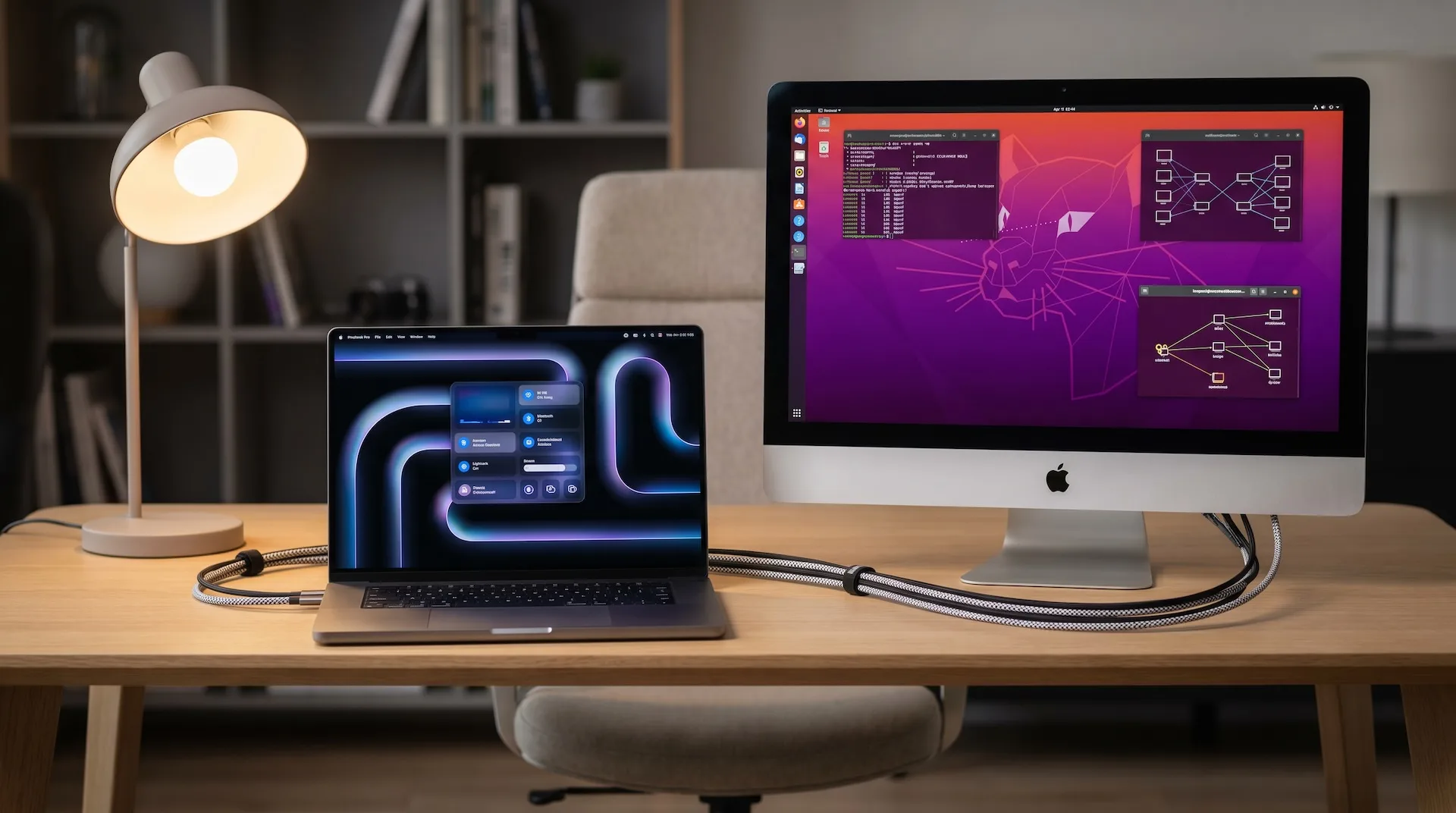
The Hard Part Wasn’t the AI: Connecting a MacBook to an Ubuntu Agent FarmThe Hard Part Wasn’t the AI.
It Was Getting Two Computers to Talk.
I’m building an AI agent farm at home.
The setup sounds simple enough: an Ubuntu machine dedicated to running agents, controlled from my MacBook Pro.
The Ubuntu box has Docker, GitHub CLI, Hermes Agent, OpenBrain, and enough disk to become a long-running project machine.
The MacBook is my cockpit.
I want to SSH in, configure services, push files around, and eventually talk to the agent through a web interface or Telegram.
The AI part is flashy.
The unglamorous part is making the machines reliably see each other.
That turned into the real first project.
The Plan
The Ubuntu machine was on my local network:
hostname -IIt reported:
192.168.1.37My MacBook was on the same network:
192.168.1.39So the obvious next step was SSH.
Install SSH server on Ubuntu:
sudo apt install -y openssh-server
sudo systemctl enable --now ssh
Then authorize a temporary SSH key from the MacBook:
mkdir -p ~/.ssh
chmod 700 ~/.ssh
printf '%s\n' 'ssh-ed25519 ... codex-linux-hermie-temp' >> ~/.ssh/authorized_keys
chmod 600 ~/.ssh/authorized_keys
Simple.
Except it wasn’t.
The First Failure
From the automation environment on the Mac, SSH failed with:
ssh: connect to host 192.168.1.37 port 22: No route to hostThat error is misleading when you are staring at two machines on the same Wi-Fi or Ethernet network. It sounds like routing is broken. Maybe the IP changed. Maybe SSH is down. Maybe the firewall is blocking port 22.
So we checked the normal things.
On Ubuntu:
sudo systemctl status ssh
sudo ufw status
hostname -I
SSH was running. The IP was still right. The logs even showed connection attempts from the MacBook.
That was the weird part.
Ubuntu’s SSH logs showed my MacBook IP:
Accepted password for oodkind from 192.168.1.39So the Ubuntu machine could see the Mac. SSH worked from a regular Mac Terminal. But the app-based automation shell still got No route to host.
Same Mac. Same network. Different process. Different result.
The Actual Problem
The issue was macOS local network privacy permissions.
Recent versions of macOS can block individual apps from accessing local network devices. Terminal may have permission, while another desktop app does not. So one shell can SSH just fine, while another shell on the same machine fails before authentication.
The fix was not on Ubuntu. It was on the Mac:
- Open System Settings
- Go to Privacy & Security
- Open Local Network
- Enable local network access for the app controlling the automation session
- Quit and reopen the app
After that, SSH worked immediately:
ssh -i ~/.ssh/codex_linux_hermie_ed25519 oodkind@192.168.1.37The first successful check looked like this:
oodkind
oodkind-ubuntu
Linux oodkind-ubuntu ...
groups=...,sudo,docker
Docker version 29.5.3
Docker Compose version v5.1.4
That was the real unlock.
Docker Was Its Own Setup Step
Before the machines could coordinate agent work, Docker had to be right on Ubuntu.
One trap: installing Docker from the Ubuntu App Center as a Snap can create path and confinement weirdness. For agent work, where bind mounts and persistent directories matter, I wanted the official Docker Engine install.
The useful validation was:
docker run hello-world
docker compose version
And the successful output mattered more than any abstract install checklist:
Hello from Docker!
Docker Compose version v5.1.4
At that point, the Ubuntu box was no longer just “a Linux machine.” It was a usable remote execution host.
The Other Hidden Detail: User Groups
Docker also requires your active user to be in the docker group.
I initially thought in terms of a future codex user, but the actual logged-in user was:
whoamioodkindSo the right command was:
sudo usermod -aG docker oodkindNot codex.
Then log out and back in. Group membership does not reliably update inside the current shell.
Why This Matters for AI Agents
This is the kind of infrastructure work people skip over when they talk about “local AI agents.”
But this is the work.
Before Hermes can manage projects, before OpenBrain can become long-term memory, before Telegram can become a command surface, the machine has to be reachable, persistent, and boringly reliable.
The agent farm needs:
MacBook Pro
  -> SSH
  -> Ubuntu AI host
      -> Docker
      -> Hermes
      -> OpenBrain
      -> project workspaces
      -> backups
      -> web/Telegram interfaces
Every arrow in that diagram hides permissions, firewall rules, Unix groups, keys, mounted directories, and service managers.
None of it is glamorous. All of it is necessary.
The Takeaway
If you are building your own AI setup at home, expect the first real battle to be connectivity.
Not models. Not prompts. Not agent frameworks.
Connectivity.
Can your controller machine reach your agent machine? Can it SSH without passwords? Can Docker run without sudo? Can files be mounted where the agent expects them? Can the automation process access the LAN, or only your regular Terminal?
That last one cost me time.
The fix was a checkbox in macOS Local Network permissions.
The lesson was bigger:
DIY AI infrastructure is not one big hard problem.
It is twenty small, sharp problems stacked on top of each other.
The only way through is to verify each layer, one at a time, until the machines can finally talk.
Until next time,
Bert